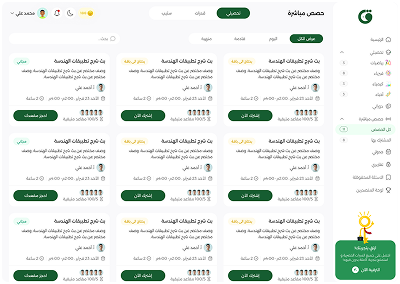




About Live
تسريبات رياضيات 2026 فترة أولى
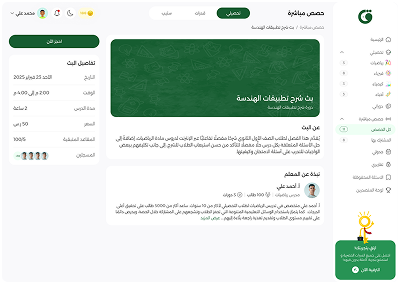
Live Details
Date
Thursday 4 June 2026
Time
7:30 PM -
8:57 PM
Session Duration
1 Hours 27 Minutes
Price
Free
Seats Remaining
100/97
Registered


About Teacher
رجب سالم
A teacher

1572 Students

7 Courses
مدرب قدرات كمي-مدرب تحصيلي رياضيات - مسئول محتوى
Live Session Quizs
No quizs have been added to that meeting


30%Discount
خصم خاص لك 🎁
سجّل الآن واشترك في قاف بلس بخصم 30% باستخدام الكود التالي
اشترك الآنالعرض متاح لأول 30 مشترك فقط